The sentence I hear most often, usually in a standup, is this: "We already version prompts. They're in git."
Then a Friday happens. A quote email drops the payment terms. Nobody shipped code. The model did not change. Main still has Tuesday's prompt — except production did not run Tuesday's prompt. Someone edited a string in a vendor console, or merged a candidate that never got a pin, or "just tweaked the wording" on a draft an agent already followed. Git is not wrong. Git answered a different question.
Git tells you what changed in the repository. Prompt versioning tells you what ran.
I wrote the why — the three disciplines, the failure cases — in what is prompt versioning. This is the how: pin, test, promote, roll back, without pretending a commit is a release.
What is prompt versioning?
Prompt versioning is immutable history for the prompt an LLM actually executed. You create a candidate, you test it, you promote it, and if it is wrong you restore a previous version. The artifact is not a file. It is a releasable unit with an id, a hash, a message, and a pin on the run that used it.
If last Tuesday's output cannot be tied to last Tuesday's prompt, you do not have prompt versioning. You have a folder of drafts.
Why putting prompts in Git still isn't prompt versioning
Git is excellent at the job it was built for: history of source, review of diffs, bisect of code. Prompts should live there. The failure is treating that history as the production record.
Three gaps show up the first week you operate:
- A commit is not a pin. The file on main is the latest manuscript. A live run needs a specific edition. If an agent resolves "whatever is current in the repo at deploy time," you cannot say which wording produced a customer email after the next merge.
- A revert is not a rollback. Restoring a prompt via git means shipping application code, waiting for a deploy, hoping the string you reverted is the string that ran. A prompt rollback should be promoting a known version — seconds, not a pipeline.
- The repo does not see the console. The most expensive prompt edits I have watched did not go through a pull request. They happened in a playground, a vendor dashboard, or a "temporary" system prompt someone forgot to copy back. Git never learned.
Prompt versioning vs Git
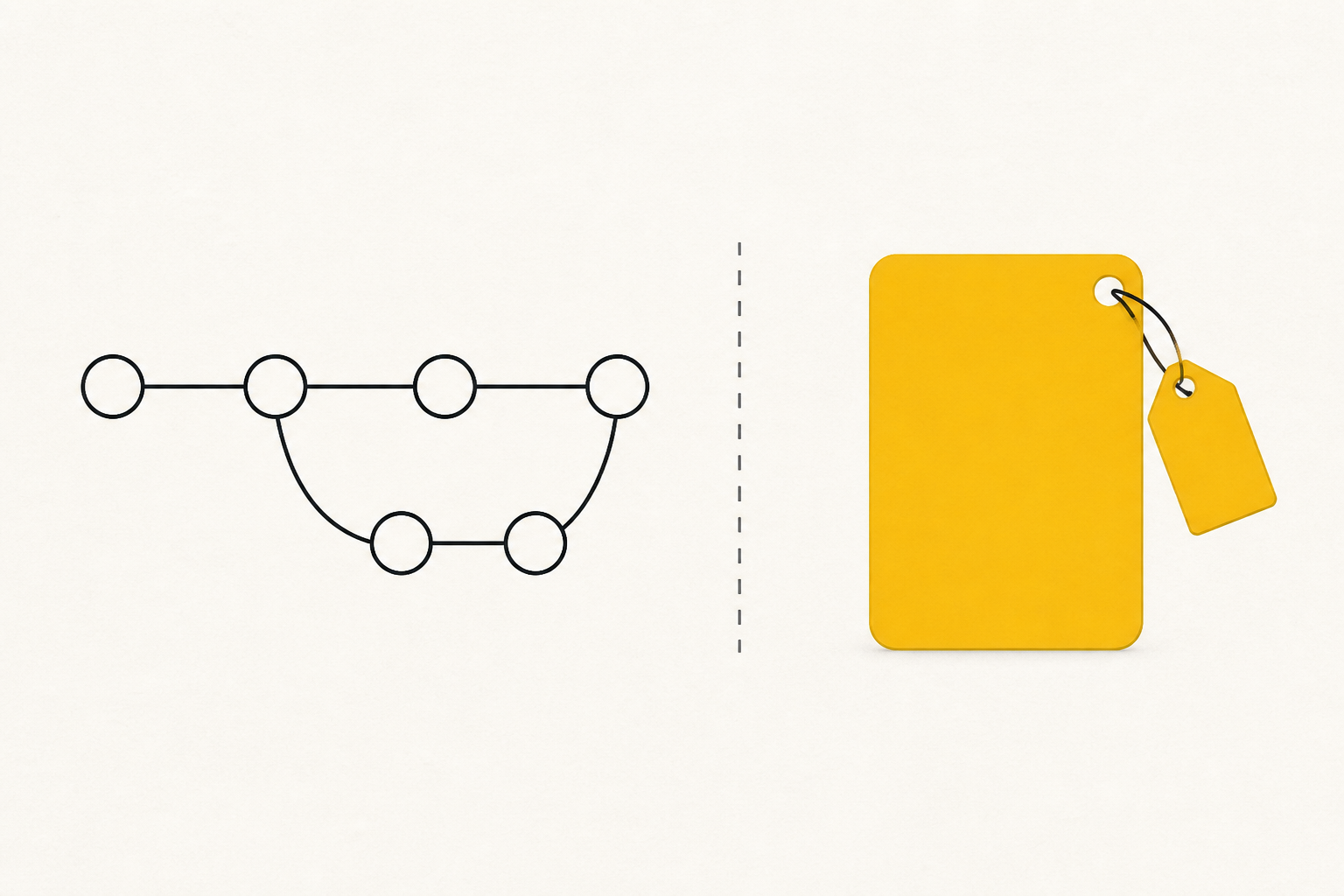
Think of git as the manuscript and a prompt version as the published edition with a lot number. The manuscript can change every afternoon. The edition that reached the customer is frozen, labelled, and restorable.
- What changed in the file? Git is built for this. A prompt version diffs against a previous version too.
- Which prompt did this run use? Git only if you built that logging. A prompt version id sits on the trace.
- Can I promote a candidate without a code deploy? Git: no. Prompt version: yes — set current.
- Can I restore last Tuesday without shipping code? Git: no. Prompt version: promote the Tuesday version.
- Does a playground edit show up? Git: no. Prompt version: only if the playground writes a version.
What a prompt version should include
Version the content, not a vibe. A useful prompt version carries:
- System prompt text
- User prompt template
- Input schema (the contract the template expects)
- A version message — release notes, not "update"
The rule: content version + runtime version, both on the trace. Change one character of the prompt, you get a new hash. Change the model, you get a new runtime pin. Silent edits become impossible because there is no silent path.
How to test a prompt before it reaches customers
Do not promote on taste. Taste is how Friday happens.
- Write the candidate with a message. "Require payment terms on every quote" is a version. "tweaks" is not.
- Preview the render. Templates lie in the editor and tell the truth when variables fill in. Look at empty fields, long fields, and the one field a salesperson always leaves blank.
- Run a small eval set. Twenty to fifty real examples beat a paragraph of "it feels better." Score the thing you actually care about: missing terms, refusal rate, tokens, cost. Keep the set stable so version 14 and version 11 are comparable.
- Send a canary, not the floor. A fraction of traffic, watched on eval and cost, then wider. A prompt that doubles tokens is a budget incident wearing a wording change.
How to roll back a prompt without a redeploy
Rollback is promotion of a previous version. That sentence is the whole mechanism.
You do not rewrite the old prompt from memory. You do not revert a git commit and wait for CI. You take the version that already passed, mark it current, and pin the agent/runtime that should use it. The failed candidate stays in history — you will want the diff later.
Two pins, because two things can be wrong:
- Content was wrong — promote the previous prompt version.
- Content was fine, model or tools changed — restore the previous runtime pin that already pointed at the good prompt.
Prompt versioning checklist
Use this on the first workflow, not on a platform rewrite.
- Prompts are not edited in a vendor console that has no history.
- Every candidate has a version id, a hash, and a human message.
- Model, sampling, and tools are pinned on the runtime, not hoped from a config file.
- A graded set exists before the first production promote.
- Promote is a deliberate act, separate from "saved the draft."
- Rollback is promote-previous, measured in seconds.
- Every run records prompt version and runtime version on the trace.
The boring part is the point
Prompt versioning is not a thought-leadership topic. It is a lot number on a batch that already left the line. The teams that skip it are not lazy. They believed the manuscript was the edition. Then a Friday taught them the difference.
Want this wired on a real workflow — versions, evals, rollback, traces? Book a 30-minute call and we will set up the registry on the first job.